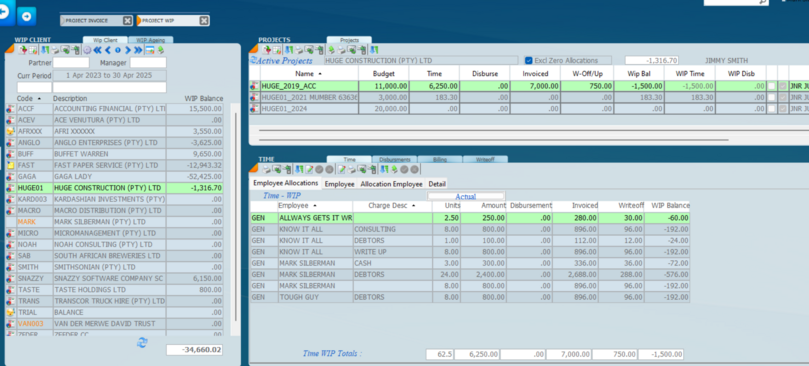
Billing of a project one can be done line by line or on a global basis. The first example below is billing out each employee line by line.
By invoicing here the WIP balance on the project will be reduced. What is extremely powerful is the fact that the wip time of each employee is stored and can be reduced by billing.
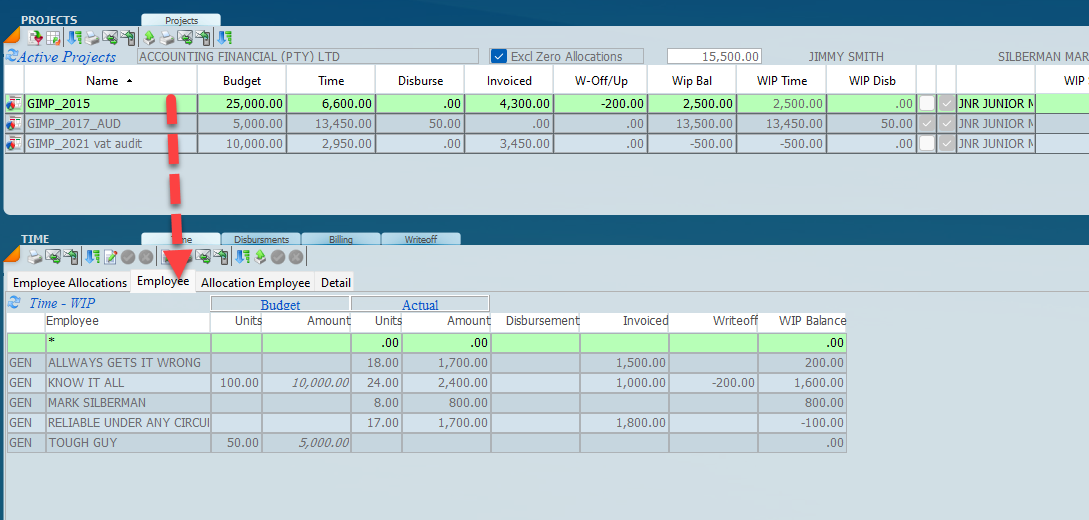
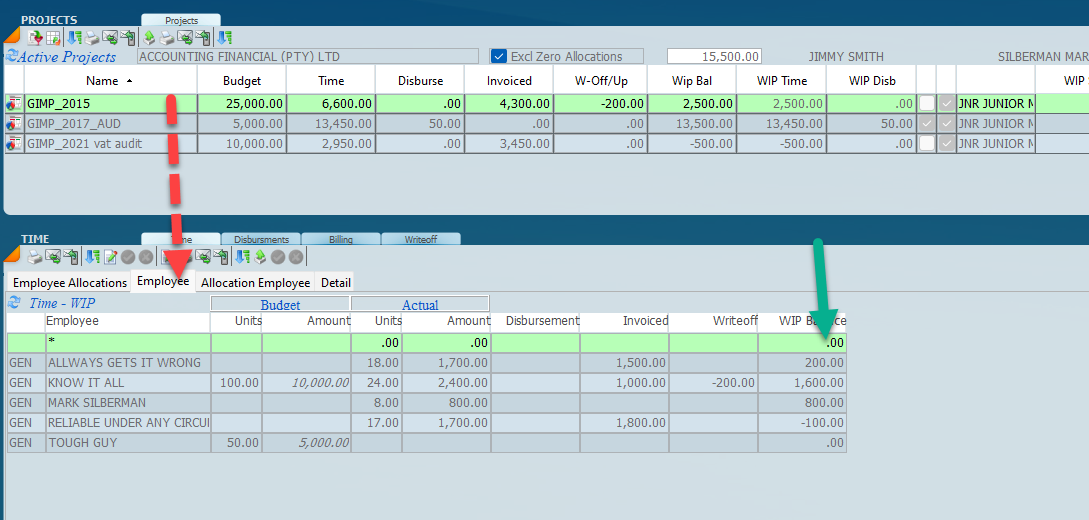
Before we start lets look at the project enquiry screen which will give us the detail of what needs to be charged.
In the above screen you will see the wip balance for each employee. This screen should be used by the partner or the manager when it comes to the determination of the amounts to be invoiced.
The project invoice will look like the screen below.
After the line items have been billed the screen will look like the screen below.
After the invoice has been processed the project enquiry screen will appear as below. Notice that the invoices that have been billed reduce the wip balances for each employee.
We can now decide what to do with the remaining balances and write them off if you wish.
A global invoice can be processed with many line items as is required. Click on the Billing allocations and then enter the Billing Amount. The invoice will reflect as a global invoice in the enquiry screen.